01
Application requirements
Which software versions, plug-ins, files and vendor prerequisites determine the processor, graphics, memory and storage selection?
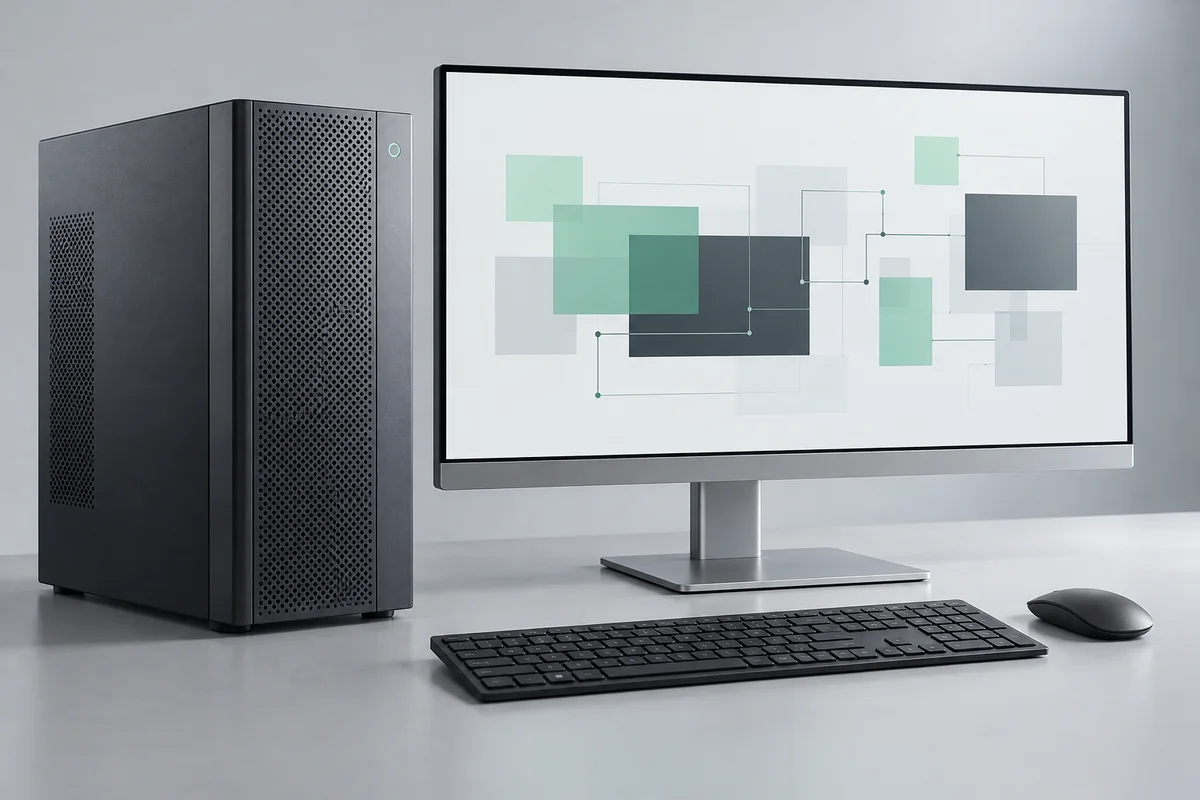
Equipment family · planning reference
Build a workstation brief around the applications people use, then agree how software, peripherals and handover will be checked.
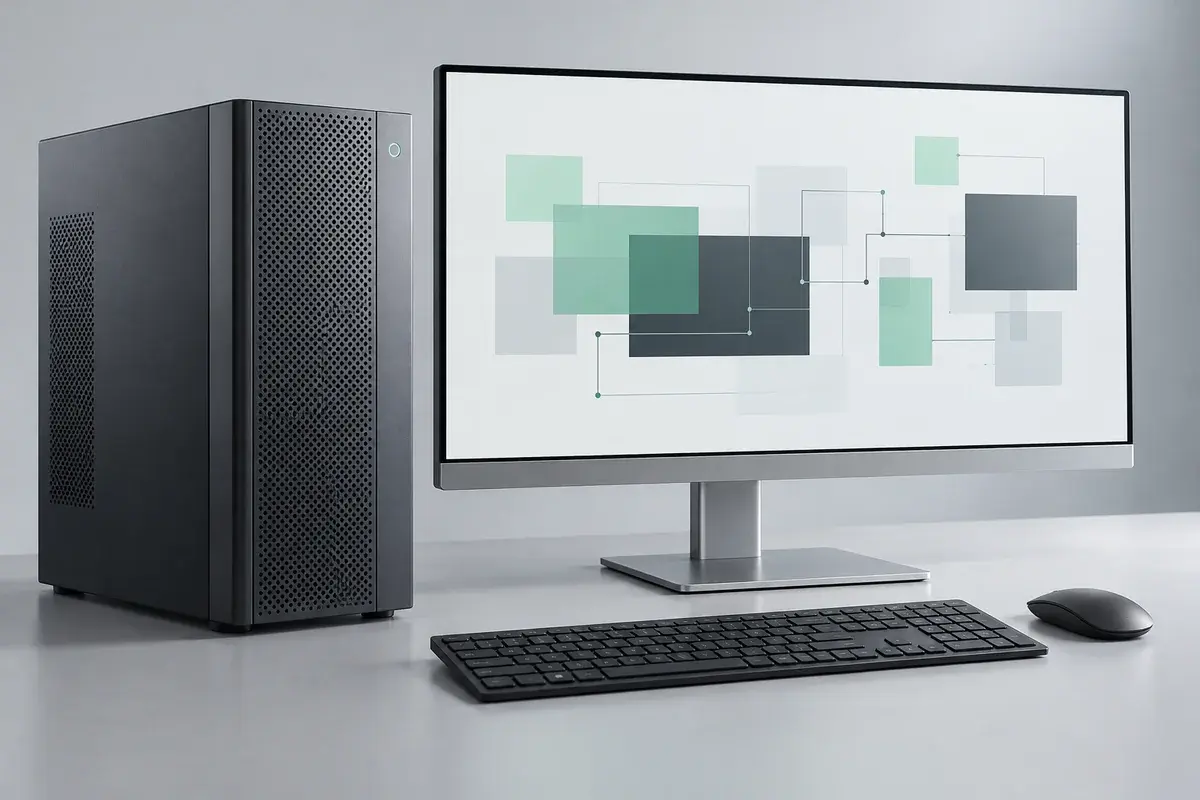
The rendering does not include a software license, graphics capability, benchmark score or an authorization to resell a vendor’s products. Components, software rights and scope require an actual quote.
Discuss these requirementsUse these questions to frame the selection. The illustration does not specify the equipment that will be quoted.
01
Which software versions, plug-ins, files and vendor prerequisites determine the processor, graphics, memory and storage selection?
02
Which displays, peripherals, network access, accessibility preferences and account permissions must the final setup support?
03
Which pilot user, license evidence, application checks, data-transfer boundaries and recovery steps must be agreed before wider rollout?
See how equipment, configuration, data checks and responsibilities can fit into an illustrative project.
Open the project exampleBrowse actual catalog references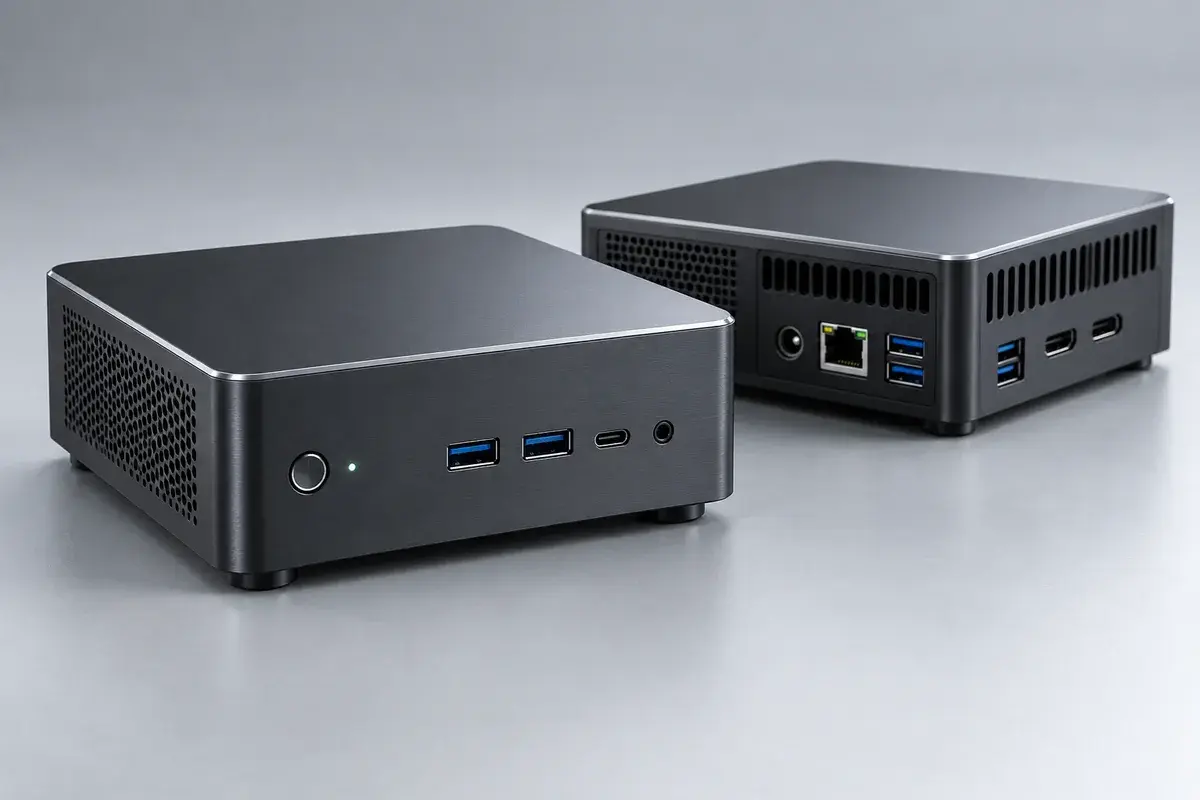
Explore compact computing for a defined local workload, with software prerequisites, operating limits and ownership made explicit.
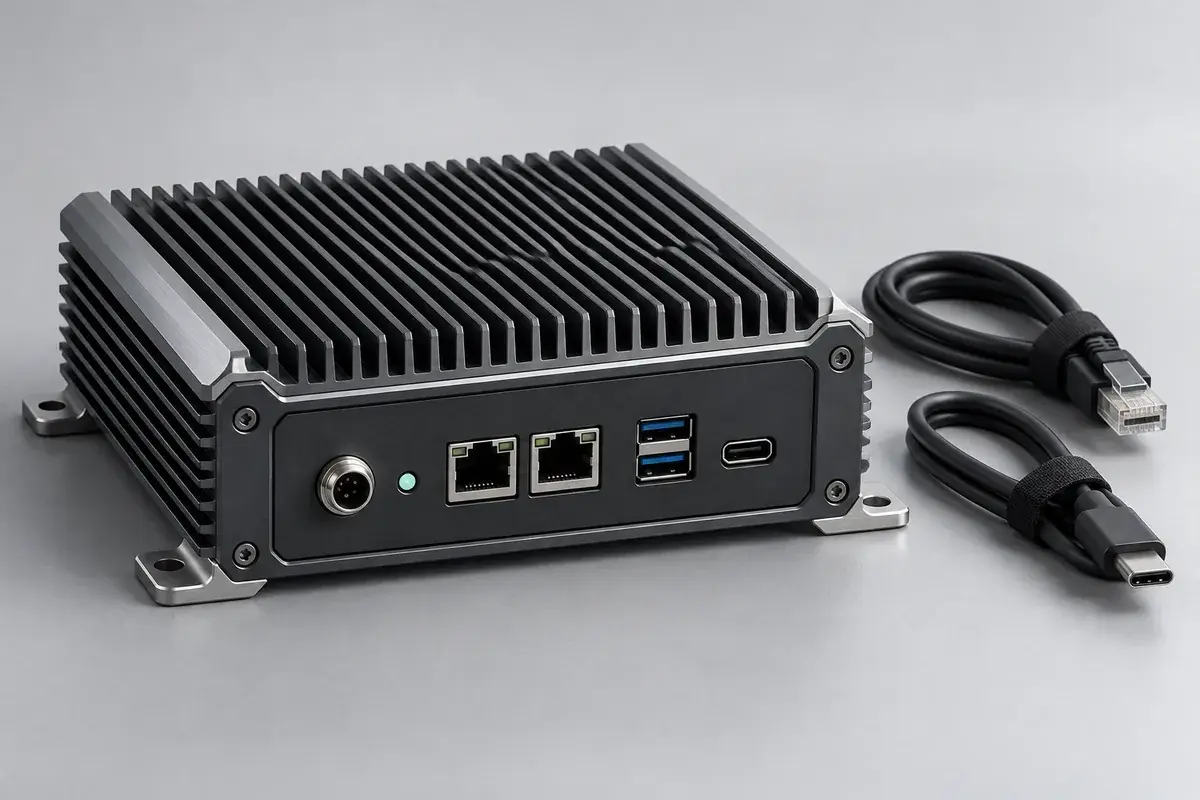
Define a local device’s role between equipment, applications and data systems, with interfaces and operating responsibility agreed first.
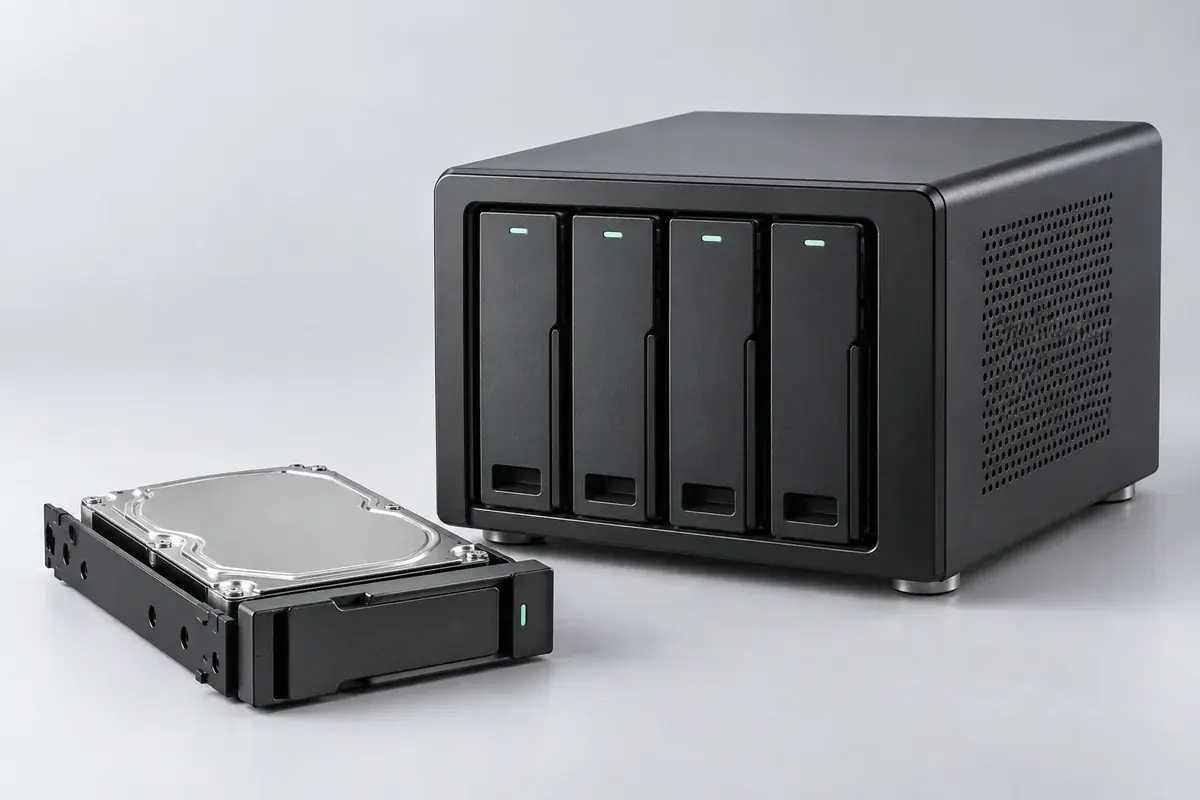
Plan a shared home for team files, with clear access rules, backup responsibilities and a restore check agreed before configuration.