01
Connections and topology
Which devices, cable paths, ports and uplinks are required, and what existing equipment and service-provider constraints must be retained?
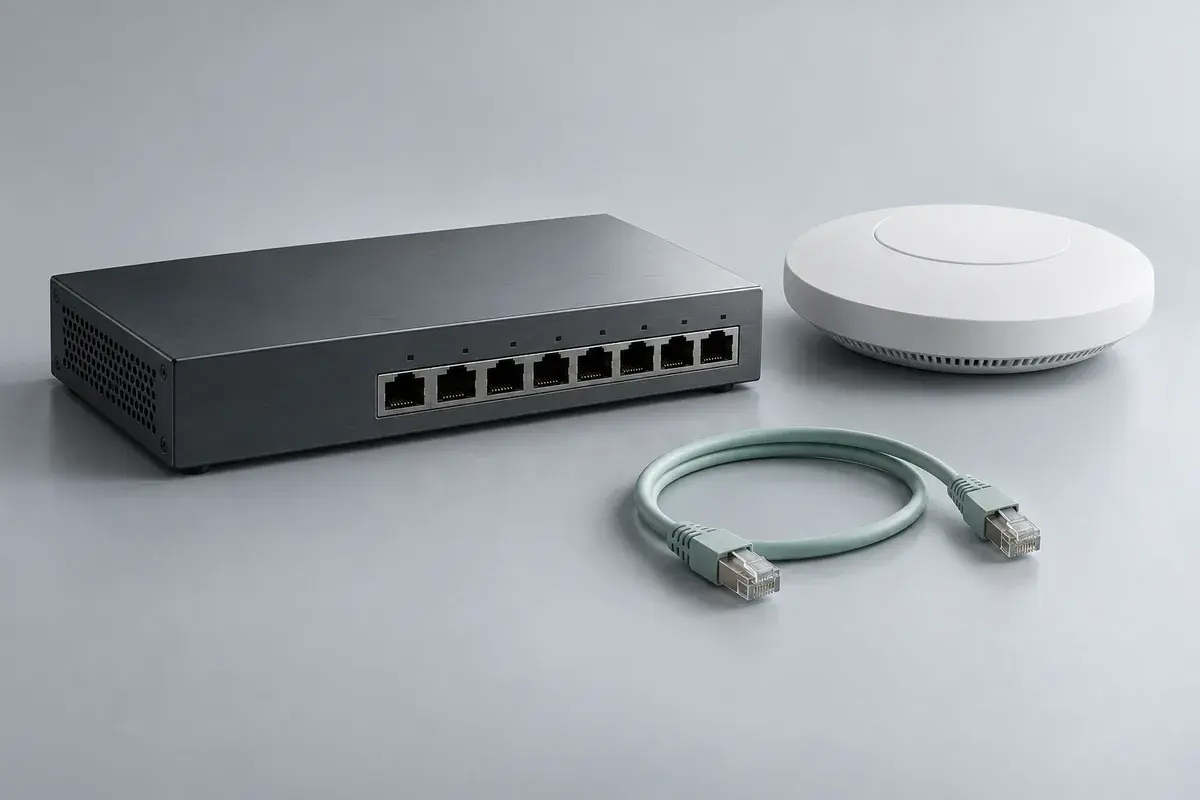
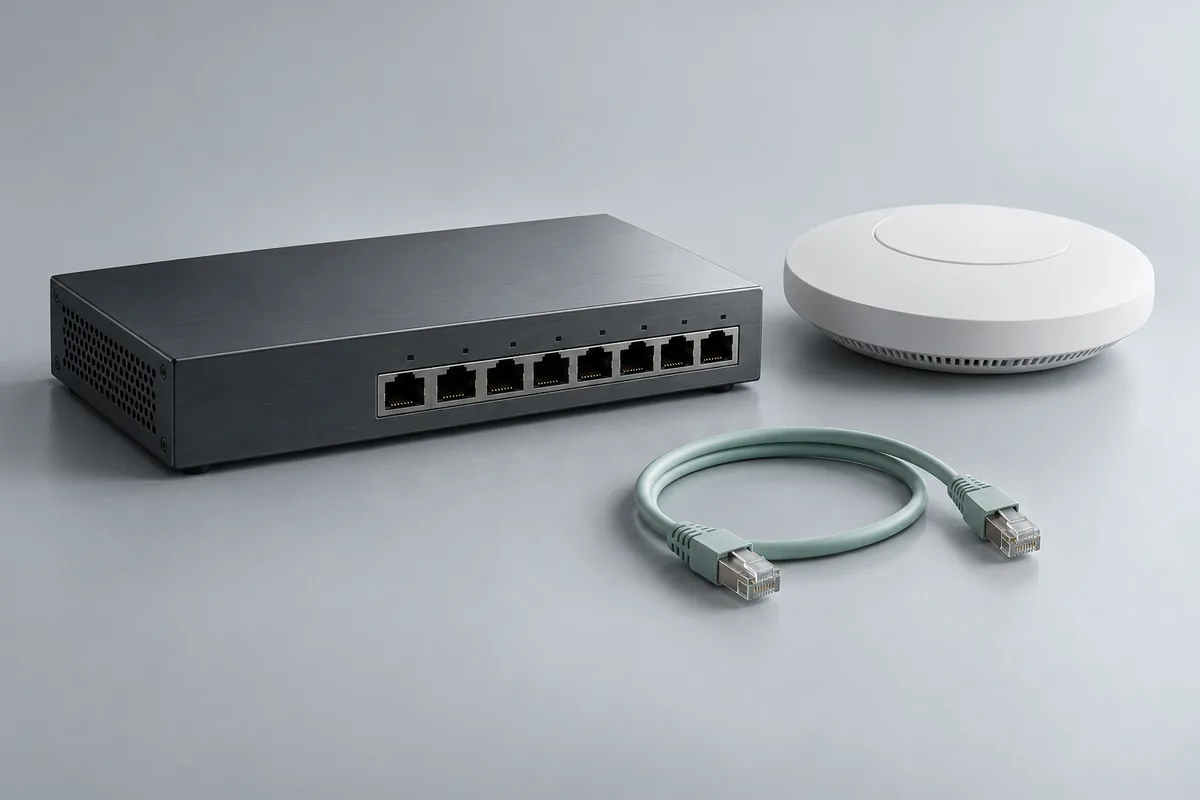
Equipment family · planning reference
Map the devices, connections and access rules before selecting a switch, gateway or wireless access point for an office.
No port count, wireless coverage, speed, PoE budget or security certification is offered by the illustration. Site conditions, exact models, service-provider requirements and installation coverage must be checked.
Discuss these requirementsUse these questions to frame the selection. The illustration does not specify the equipment that will be quoted.
01
Which devices, cable paths, ports and uplinks are required, and what existing equipment and service-provider constraints must be retained?
02
Which devices need network-delivered power, which power budgets and cables must be checked, and where can access points actually be installed?
03
Which staff/guest separation, management permissions, coverage checks and change windows should be agreed before configuration?
See how equipment, configuration, data checks and responsibilities can fit into an illustrative project.
Open the project exampleBrowse actual catalog references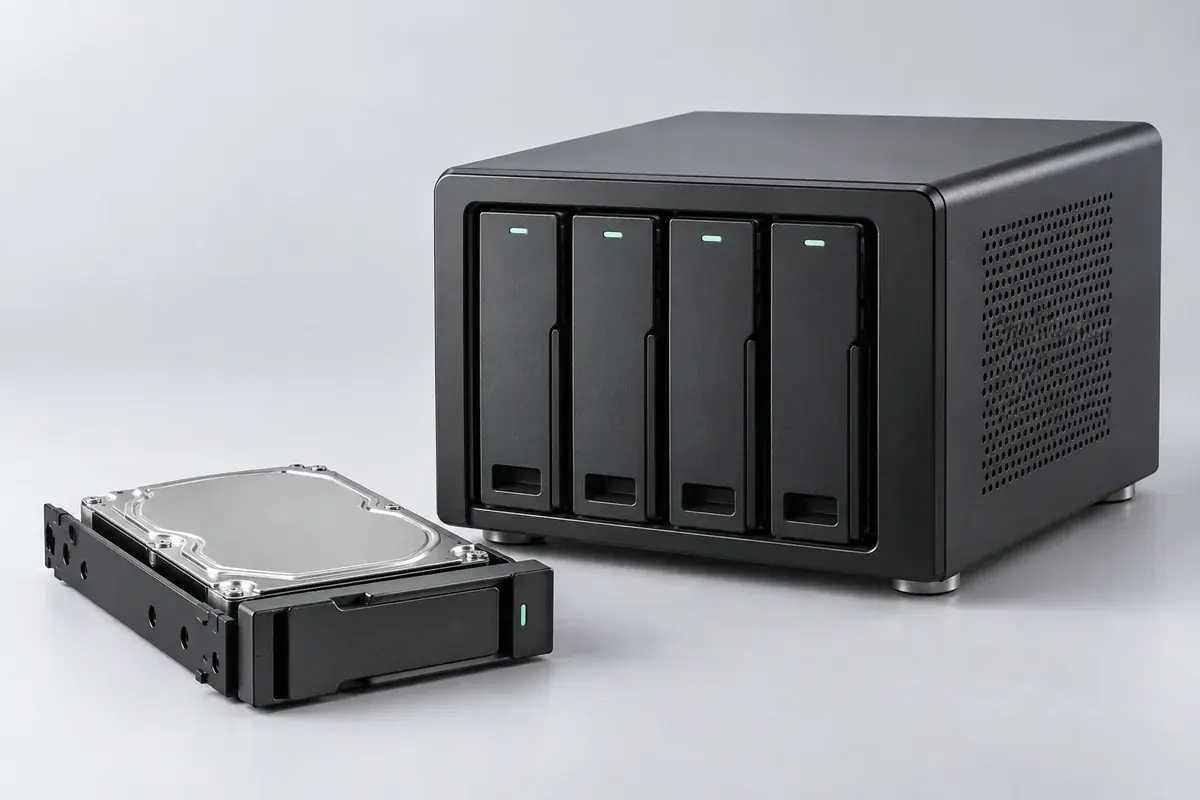
Plan a shared home for team files, with clear access rules, backup responsibilities and a restore check agreed before configuration.
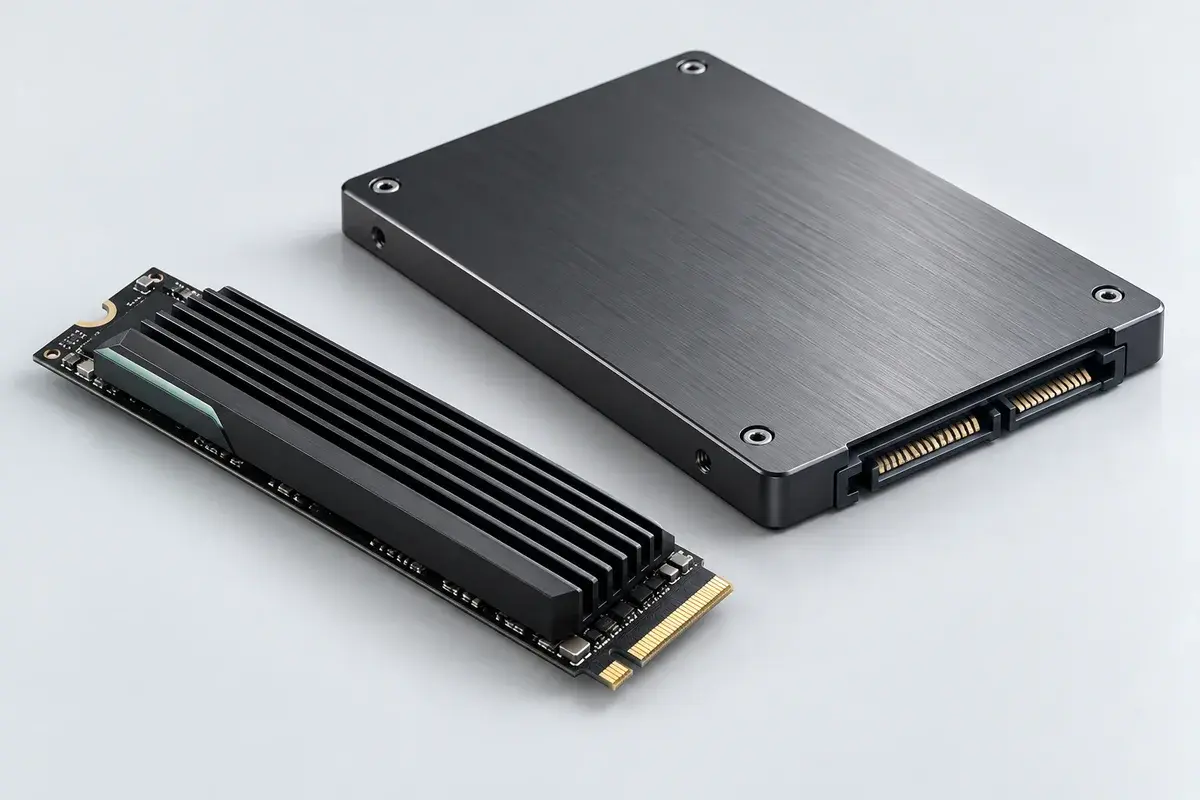
Scope a storage upgrade around the host device and the data that must move, with a reviewable transfer and recovery plan.
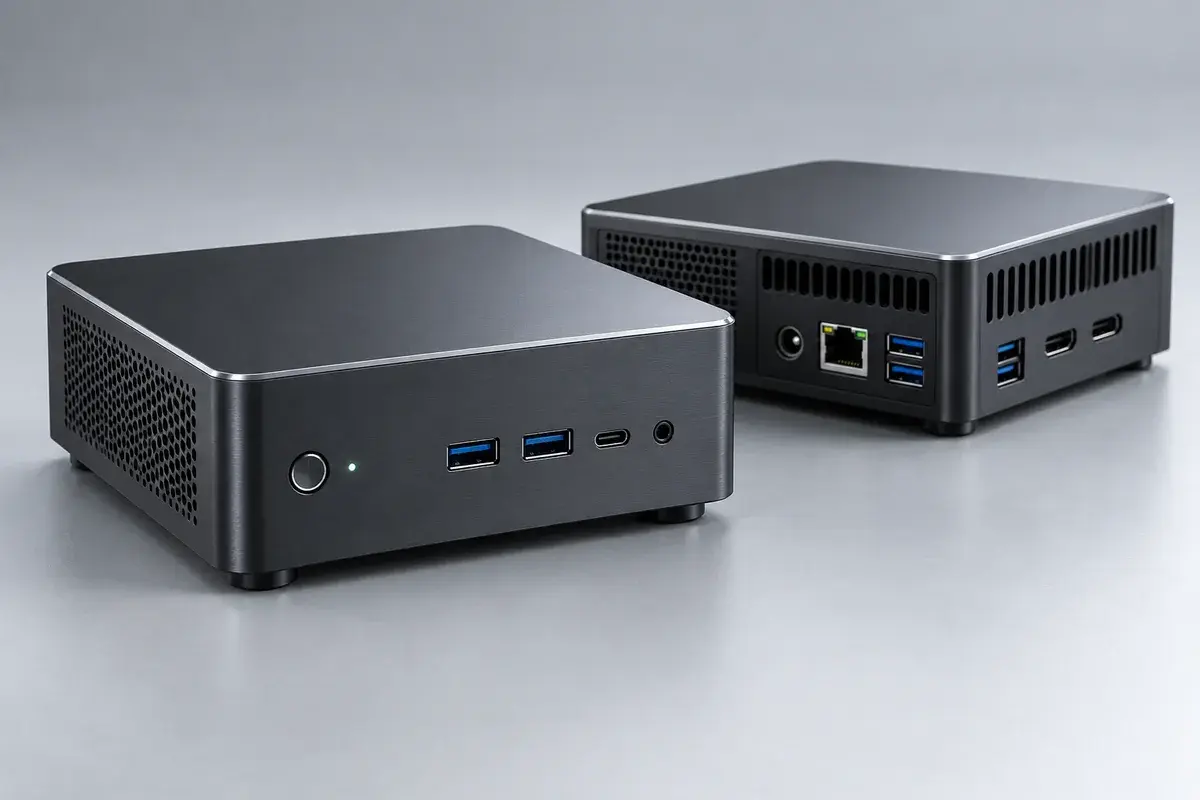
Explore compact computing for a defined local workload, with software prerequisites, operating limits and ownership made explicit.