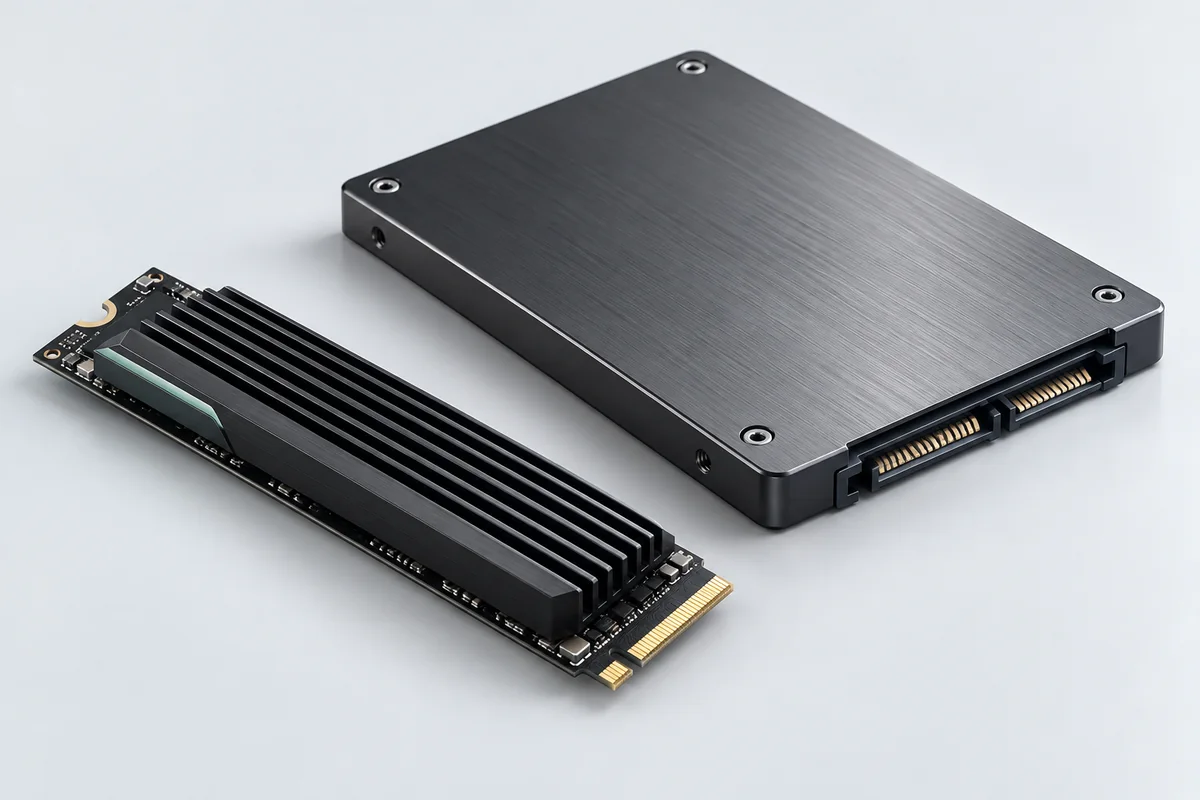
01
Host fit
What exact computer, slot, interface, form factor, firmware and operating-system requirements must the selected drive satisfy?
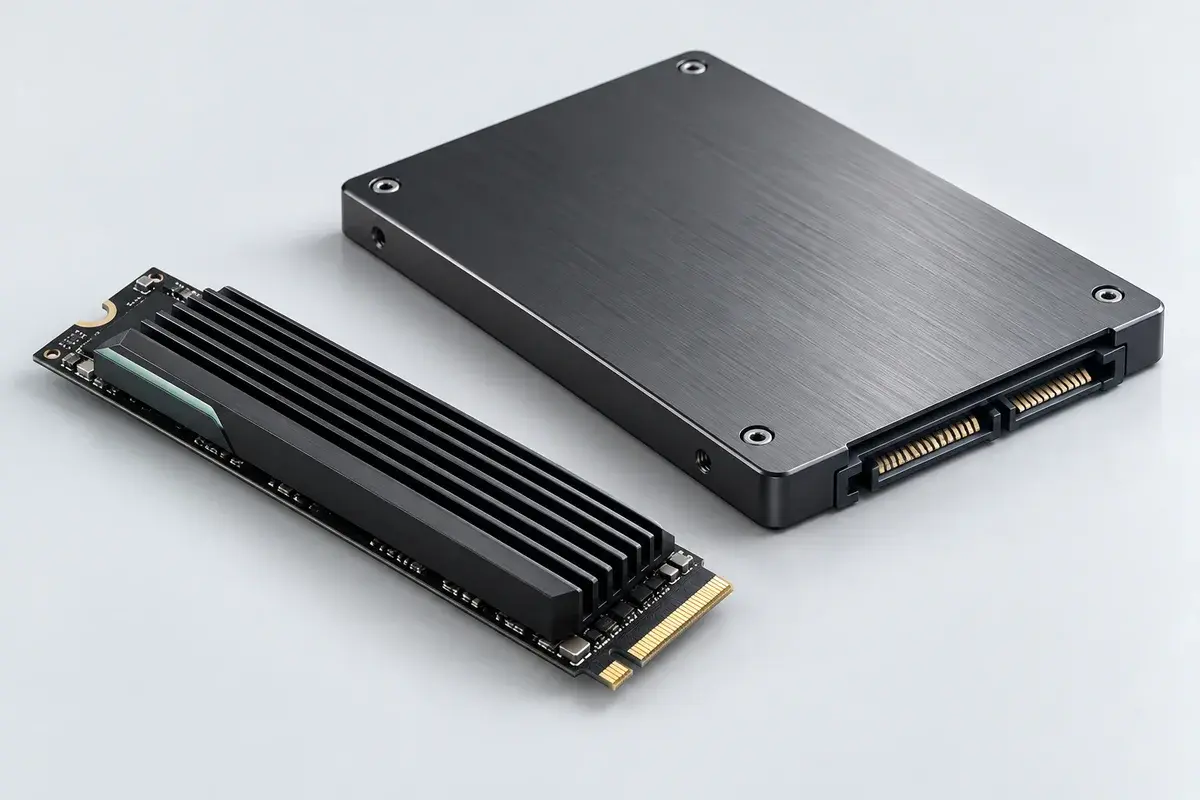
Equipment family · planning reference
Scope a storage upgrade around the host device and the data that must move, with a reviewable transfer and recovery plan.
No speed, endurance, capacity, data-recovery outcome or secure-erasure result is promised by this illustration. Model selection, licensing, transfer scope and any disposal service require confirmation.
Discuss these requirementsUse these questions to frame the selection. The illustration does not specify the equipment that will be quoted.
01
What exact computer, slot, interface, form factor, firmware and operating-system requirements must the selected drive satisfy?
02
Which applications, file sizes, write patterns and free-space needs should be documented before selecting a model?
03
Which files or system image may be transferred, how will the result be checked, and who decides what happens to the original drive?
See how equipment, configuration, data checks and responsibilities can fit into an illustrative project.
Open the project exampleBrowse actual catalog references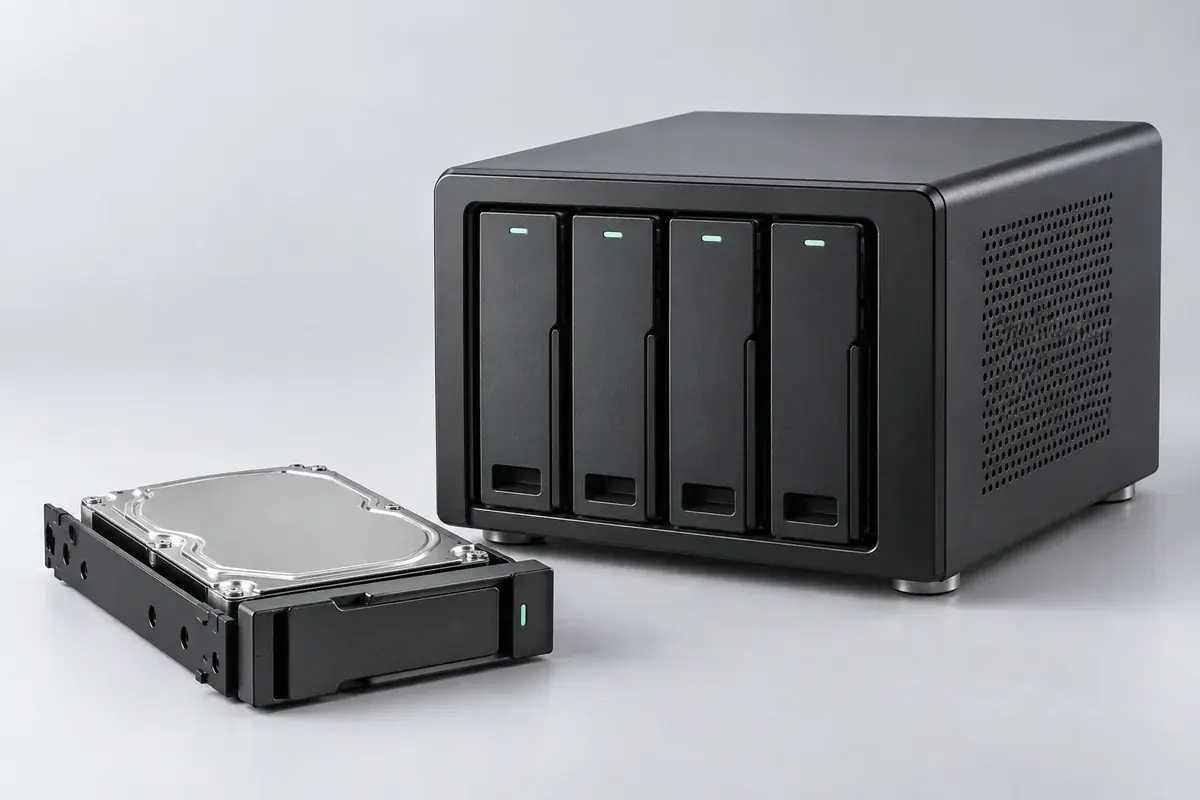
Plan a shared home for team files, with clear access rules, backup responsibilities and a restore check agreed before configuration.
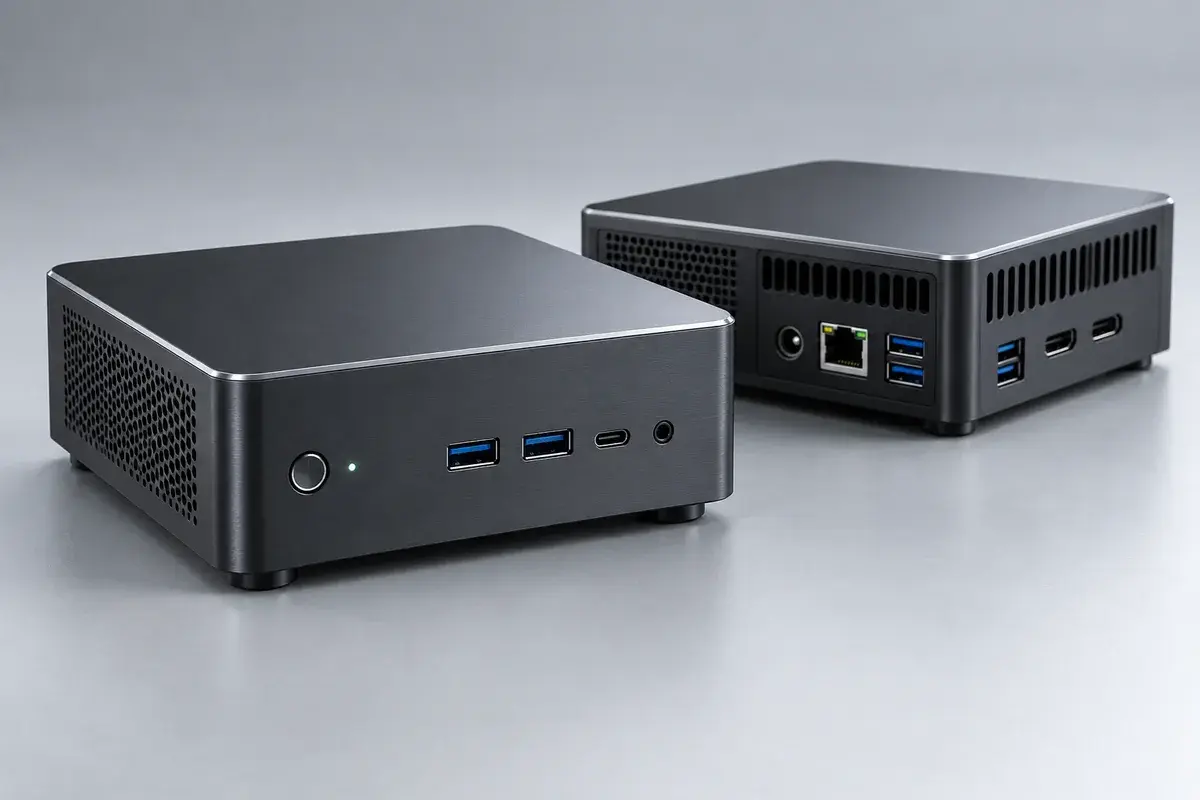
Explore compact computing for a defined local workload, with software prerequisites, operating limits and ownership made explicit.
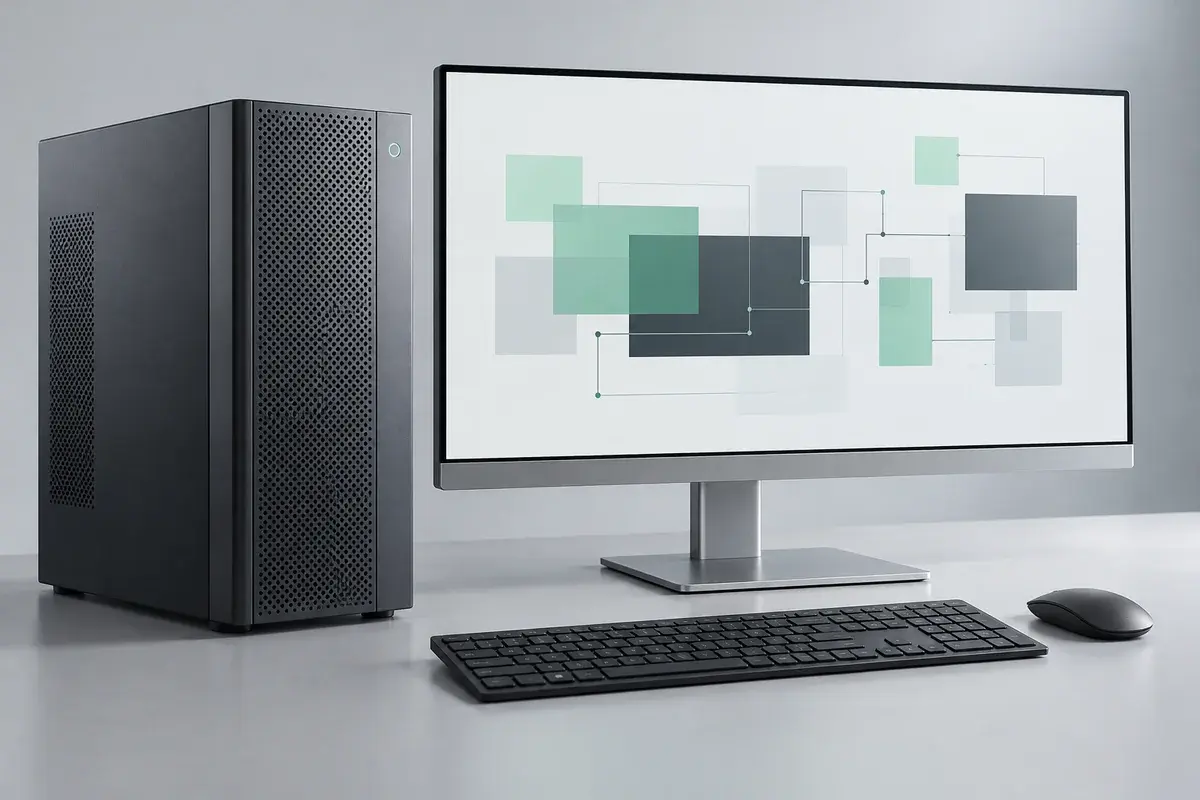
Build a workstation brief around the applications people use, then agree how software, peripherals and handover will be checked.